Get the phone to ring with Google call ads
Five practical steps to set up call ads that turn mobile searchers into customers calling your business.
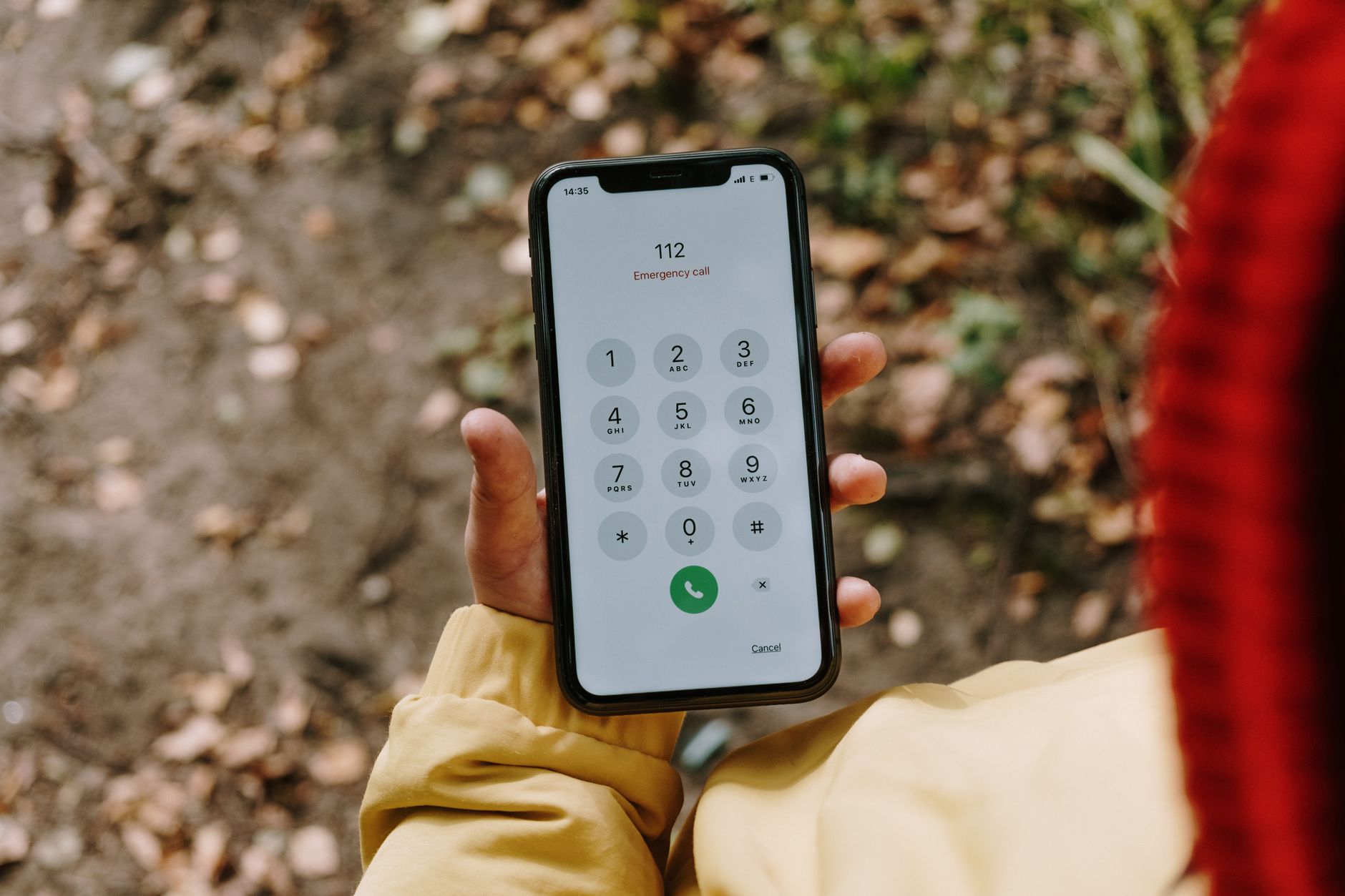
Google call ads put a tap-to-call button directly in front of mobile searchers looking for what you do. When someone taps it, their phone dials your number instantly. For a plumber, electrician, salon, or restaurant, that's a direct path from search to phone call. Here's how to build one.
Key facts
- Call ads display on mobile devices with a button that starts a phone call when tapped.
- You can use the same phone number you already have in other Google Ads assets.
- The ad can include a headline, description, and optional callout or snippet assets to highlight what makes you different.
- If you add a website URL, tapping the headline or description goes to your site; tapping the call button still calls you.
- Google verifies your ad and phone number before it runs, using a verification URL you provide.
What phone number should you use?
Use the number your customers already call. If you're running other Google Ads, you probably have it in your account already. Google lets you reuse it across call ads without setting it up twice. If you're new to this, pick the phone line that actually rings at your business during business hours. Do not use a number you don't answer or that goes to voicemail only. The whole point is to catch someone ready to hire you right now.
How do you set up the ad copy?
You'll write a headline and description just like any other search ad. The headline is what people see first; make it specific to what you do ("Emergency Plumbing Repairs" beats "Call Us Today"). The description explains why they should call you instead of your competitor. Keep both short and clear—mobile screens are small. You can also add callout assets (short phrases like "Same-Day Service" or "Licensed and Insured") and structured snippets (categories like "Service Areas" or "Specialties") to show more reasons to call. These extras take up space on the ad, so Google will show them only if there's room on the device.
Should you send people to your website too?
You can add a website URL to your call ad. If you do, tapping your headline or description takes the searcher to that page; tapping the call button still calls you. This is useful if some people want to learn more before calling—your reviews, your hours, your service area. But it's optional. If you skip the URL, the call button becomes the only action available. For a service business where the phone call is the goal, that may be worth testing.
How does Google verify your number?
Before your ad goes live, Google will verify your ad and phone number. You'll provide a verification URL—typically your website homepage or a landing page about your business. Google uses this to confirm the connection. The verification URL does not show up in your ad; it's only for Google's records. Make sure the number you provide matches what's on your website or business listings so the verification process goes smoothly.
When should you use call ads instead of regular search ads?
Call ads work best when the phone call is your primary goal. If you're a service business where customers need to talk to you to book an appointment or get a quote, call ads offer a direct path to that conversation. They also perform well for time-sensitive searches (someone looking for "plumber near me" right now) and for customers who prefer to call. If you also want people to visit your website or fill out a form, use regular search ads alongside call ads so you capture both types of customers.
What should you track?
Set up call tracking in Google Ads so you can monitor which ads and keywords generate phone calls. You'll also know how many calls came from Google versus other sources. For a small business, that data helps you understand where your marketing effort is going and which campaigns are active.
Sources
- About call ads - Google Ads Help
They did the reporting. The writing and the opinions here are ours.
Questions people ask about this
Can I use my existing phone number in a Google call ad?
Yes. If you already have your phone number in other Google Ads assets, you can reuse it in call ads without setting it up again. Just make sure it's a number that actually rings at your business during the hours you work.
What happens when someone taps the call button?
Their phone dials your number immediately. If you've also added a website URL to the ad, tapping the headline or description goes to your site instead, but the call button always initiates a call.
Do I have to include a website link in a call ad?
No. You can run a call ad with just the phone number and no website URL. This gives the searcher one clear action to take.
What is the verification URL for?
Google uses the verification URL to verify your ad and phone number before the ad runs. It does not appear in the ad itself—it's only for Google's verification process.
Can I add extra information like service areas or special offers to a call ad?
Yes. You can add callout assets (short phrases like "Same-Day Service") and structured snippets (categories like "Service Areas") to the ad. Google will display them if there's room on the mobile screen.
How do I know if my call ads are working?
Set up call tracking in Google Ads to monitor how many calls each ad and keyword generates. This shows you which ads are driving phone calls.
This piece is about About call ads, published by Google Ads Help. Go read the original; the opinions here are ours and the reporting is theirs.