Google's Gemini now reads your bank account. Here's what changes.
Google rolled out a feature letting Gemini access your spending data through Google Wallet. Small business owners should know what it does and what it doesn't.
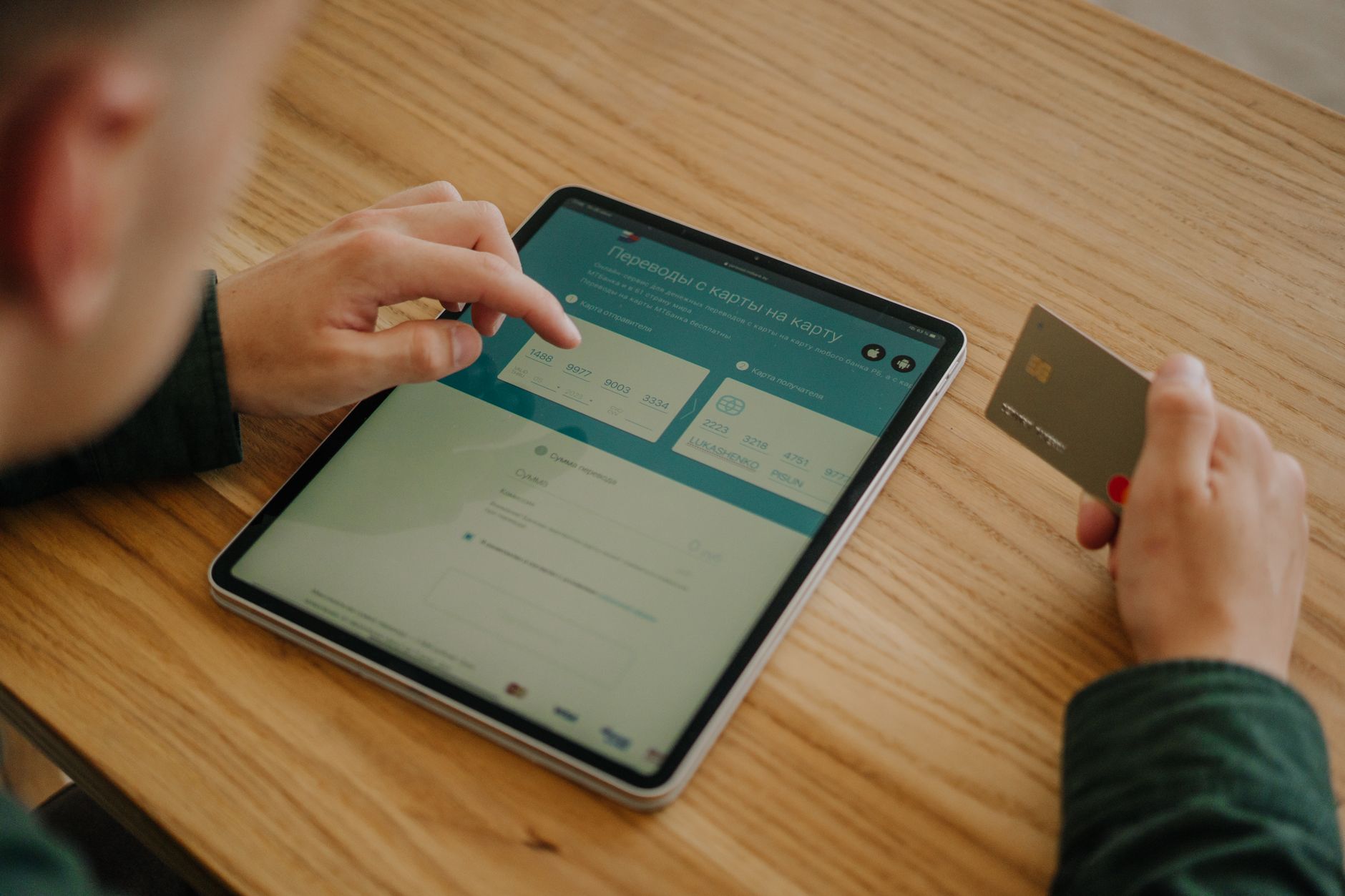
Google launched a new feature in Gemini that connects the chatbot to Google Wallet, letting it see your spending history and financial accounts. The tool can answer questions about your money, spot forgotten subscriptions, and build custom budgets. For a small business owner already using Google services, this could simplify how you track personal finances—but it also means deciding whether to link your bank account to an AI system.
Key facts
- Gemini users in the U.S. can now connect their bank accounts through Google Wallet starting November 13, 2026.
- The chatbot can analyze spending patterns, flag price increases on subscriptions, and generate budget charts based on your transaction history.
- The connection uses Plaid, a fintech company, to link accounts securely, and Gemini can only read data—it cannot move money or make purchases.
- The feature rolls out on both web and mobile platforms and is completely optional; users can turn it on or off in settings.
What can Gemini actually do with your financial data?
Once connected, you can ask Gemini specific questions about your money. You might ask it to review spending from a specific period and suggest how to save a target amount. You can ask it to find subscriptions you forgot about and flag which ones raised their prices. You can ask it to build a holiday budget based on what you spent last year. Gemini generates charts showing cash flow and asset allocation right in the chat.
For a busy owner, this saves time versus manually combing through bank statements or subscription lists. The real value is having an AI system do the sorting and calculation work, plus the chance that it might spot a pattern you missed on your own.
What are the real security concerns?
Google says Gemini cannot move money, manage accounts, or invest on your behalf. It can only read what you tell it to read. The connection is opt-in, and you can disconnect at any time through settings. Your accounts link through Plaid, which is a separate company that handles the technical connection.
That said, you are giving an AI system access to your financial history. AI systems make mistakes. If Gemini misunderstands a question or gives you bad advice about your budget, that's on you to catch. Google is not managing your money, but you need to treat this tool as a helper, not a decision-maker. Read what it tells you. Verify it against your actual bank statements before you act on it.
Does this change anything for your business?
This feature is designed for personal finance, not business accounting. If you use Gemini to manage your own household budget or track personal spending, it might save you time. But it does not replace accounting software, bookkeeping, or tax planning for your business. Do not use this to manage your business finances or to make decisions about your company's money.
The real question is whether you want to link your personal bank account to Google. If you already use Gmail, Google Search, and other Google services, you are already comfortable with Google having access to your data. This is a step further. If that makes you uneasy, you do not have to use it. The feature is optional.
Should you turn this on?
That depends on your comfort level with AI and data privacy. If you are curious and want to try it, you can turn it on and turn it off just as easily. Start with a simple question about your spending to see how the tool works before you rely on it for important decisions. If you prefer to keep your bank account separate from your AI tools, skip it entirely. Either choice is reasonable for a small business owner.
Sources
- Gemini Enhances Personal Finance Insights with Google Wallet Integration - Small Business Trends, November 13, 2026
- Google now lets people connect Gemini to their bank accounts - Engadget, November 13, 2026
- Nectar launches an AI agent to automate creator discovery and outreach for brands - TechCrunch, November 12, 2026
They did the reporting. The writing and the opinions here are ours.
Questions people ask about this
Can Gemini move money out of my account?
No. Gemini can only read your financial data. It cannot move money, make purchases, invest funds, or manage your accounts in any way. You control what information you share and can disconnect at any time.
How does Gemini connect to my bank account?
Google uses Plaid, a fintech company, to create a connection between your bank and Google Wallet. You choose which accounts to link, and the connection is opt-in. You can turn it on or off in Gemini settings.
Can I use this for my business finances?
This feature is designed for personal finance only. It is not a replacement for business accounting software or bookkeeping. Do not use it to manage your company's money or make business financial decisions.
What happens if Gemini gives me bad financial advice?
Gemini is a tool that reads your data and makes suggestions, but it can make mistakes. You are responsible for verifying what it tells you against your actual bank statements before you act on any advice.
Is this safe to use?
Google handles the connection through Plaid. However, you are giving an AI system access to your financial history. If you are uncomfortable with that, you do not have to use this feature. It is completely optional.
When did this launch?
Google began rolling out this feature on November 13, 2026, for Gemini users in the U.S. on both web and mobile platforms.
This piece is about Gemini Enhances Personal Finance Insights with Google Wallet Integration, published by Small Business Trends. Go read the original; the opinions here are ours and the reporting is theirs.