See what Google shows when someone searches for your business
Five practical steps to check how your company appears in search results and what you can control.
When a customer searches for your business on Google, they see a carefully constructed page of results. That page contains far more than just a link to your website. It includes your business name, a description of your page, images, videos, dates, and links to other pages on your site. Understanding what shows up and why is the first step to making sure Google presents your business the way you want.
Key facts
- Google search results display different visual elements depending on the device, location, language, and type of search.
- A basic text result includes attribution (your business name and site address), a title link, and a snippet or description.
- Google can pull images, videos, and additional information from your website to display alongside your listing.
- You can influence how your title and description appear, control what images show up, and add structured information like review stars or business hours.
- Related searches and questions appear on results pages based on what other people search for, though you cannot directly control these.
Tip 1: Search for your business name and see what appears
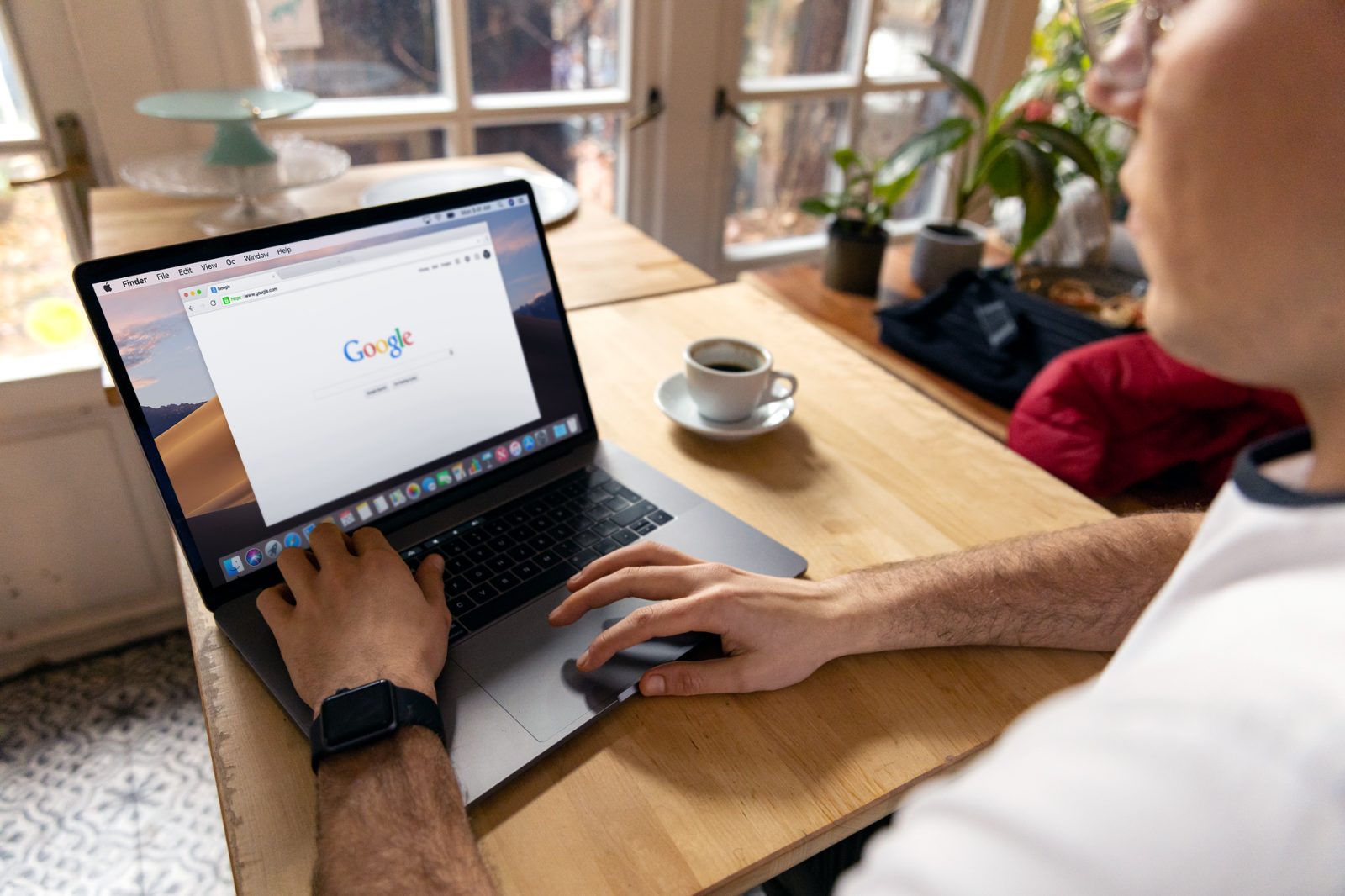
Open Google on a desktop computer and search for your business name exactly as customers would type it. Write down everything you see: your website link, the description beneath it, any images, and any additional details like hours or reviews. Then search on your phone and compare. Google displays results differently on mobile than on desktop, so you need to check both. This is your baseline.
Tip 2: Search for your business plus your service or location
Try searches like "[Your Business] fence installation" or "[Your Business] near me." These are the searches your actual customers perform. Note what appears for each one. You may see different results, images, or descriptions depending on the search terms. This tells you which searches are working in your favor and which ones might need attention.
Tip 3: Check what description Google is using
Below your website link, Google displays a snippet—a short description of your page. This snippet is pulled from your website, but you can influence it. If the snippet does not accurately describe what you do, or if it contains outdated information, that is a signal to update your website. Make sure your homepage and service pages clearly state what your business offers in plain language. Google will use that language when it builds the snippet.
Tip 4: Look for images and videos
Google may display images or videos from your website alongside your search result, especially on mobile. If you see images you do not want to appear, or if you wish more images would show, check your website. Make sure you have uploaded quality photos of your work, your team, or your location. Google pulls from what is actually on your site, so adding more images gives Google more options to choose from.
Tip 5: Add business details that Google can display
Google can show additional information like your hours, phone number, reviews, or star ratings if you provide it in the right format on your website. This information typically comes from structured data—a way of marking up your website so Google understands what each piece of information means. If you use a website builder or a business listing service, much of this may already be set up. Check your website's settings to confirm your hours, phone number, and other key details are correct and visible.
Tip 6: Notice what related searches appear
At the bottom of the search results page, Google shows related searches and related questions that other people have asked. You cannot control what appears here, but you can learn from it. If you see search terms related to your business, consider writing about those topics on your website. This helps Google understand what your business does and makes it more likely to show your site for those searches.
Tip 7: Check your site name and URL display
Google shows your domain name and sometimes a breadcrumb trail (the path through your website) in the search result. Make sure your domain name is professional and easy to read. If your website has a clear structure with logical page names, the breadcrumb will be more helpful to customers. A messy URL or confusing breadcrumb can make your result look less trustworthy.
What to do with what you find
Once you have checked all of these, make a list of what is working and what is not. If your description is outdated, update your website. If you want images to appear, add some. If your hours are wrong, fix them. If you notice customers are searching for something you offer, make sure your site mentions it. These are not technical fixes. They are common-sense updates to your website that help Google understand and present your business correctly.
Sources
- Visual Element gallery - Google Search Central
They did the reporting. The writing and the opinions here are ours.
Questions people ask about this
How do I see what my business looks like in Google search results?
Search for your business name on Google, both on a desktop computer and on your phone. Write down everything that appears: your website link, the description, any images, and any additional details. Google displays results differently on mobile and desktop, so check both versions.
Can I control the description that appears under my business in search results?
You can influence it. The description, called a snippet, is pulled from the text on your website. If you update your website with clear, accurate descriptions of what your business does, Google will use that language in the snippet.
Why do different searches show different results for my business?
Google displays results based on what the customer searched for, what device they are using, their location, and other factors. Searching for your business name alone will show different results than searching for your business plus a service or location.
How do I get images to appear next to my business in search results?
Google pulls images from your website. Upload quality photos of your work, your team, or your location to your website. The more images you have, the more options Google has to display.
Can I add my hours, phone number, or reviews to my search result?
Yes, if you provide this information on your website in a format Google can read. Most website builders and business listing services handle this automatically. Check your website settings to make sure your hours, phone number, and other details are correct and visible.
What are the related searches that appear at the bottom of search results?
These are searches other people have performed related to your original search. You cannot control what appears, but you can learn from them. If you see related searches about topics your business covers, consider adding content about those topics to your website.
This piece is about Visual Element gallery, published by Google Search Central. Go read the original; the opinions here are ours and the reporting is theirs.